Creating a cozy and inviting home office space can make a big difference in how you feel about working from home. A well-designed workspace boosts productivity, reduces stress, and helps you stay focused throughout the day. Whether you have a full room to dedicate to your office or just a corner of your living space, you can transform it into a comfortable and inspiring environment. Here are some practical tips to help you create the perfect home office.
Choose the Right Location
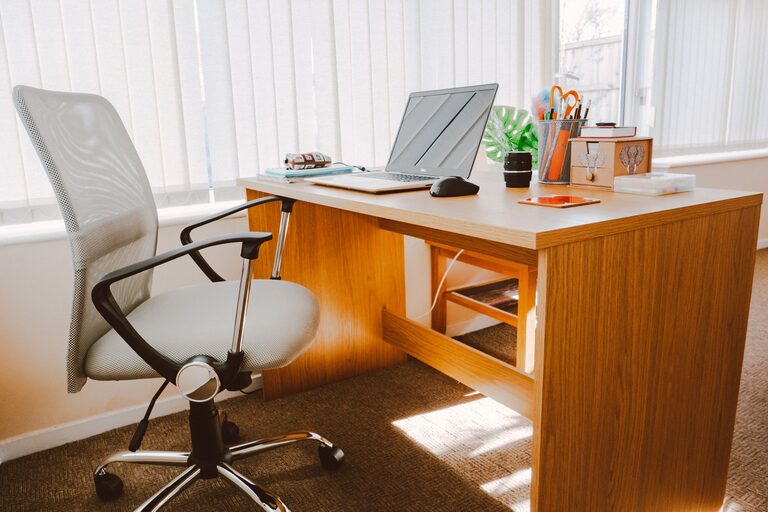
The first step in creating a cozy home office is selecting the right spot. Ideally, pick a quiet area with good natural light. A space near a window can provide fresh air and sunlight, which uplift your mood and increase alertness. If natural light isn’t an option, invest in bright, adjustable lighting to avoid eye strain.
If your home is small, consider creative solutions like turning a nook, a closet, or a part of the dining room into your office. Just make sure it’s a spot where you can focus without distractions.
Invest in Comfortable Furniture
Comfort is key when setting up your home office. Choose a chair with good back support to prevent discomfort during long work hours. Ergonomic chairs are a popular choice, but even a well-padded chair with lumbar support can do the trick.
Your desk should be the right height and size for your needs. If space allows, a desk with storage compartments can help keep your area tidy. Adjustable desks that let you switch between sitting and standing are another option to consider for better health and comfort.
Personalize Your Space
Adding personal touches makes your office feel inviting and uniquely yours. Consider decorating with items that inspire you or make you happy, such as:
– Photos of loved ones
– Artwork or prints that motivate you
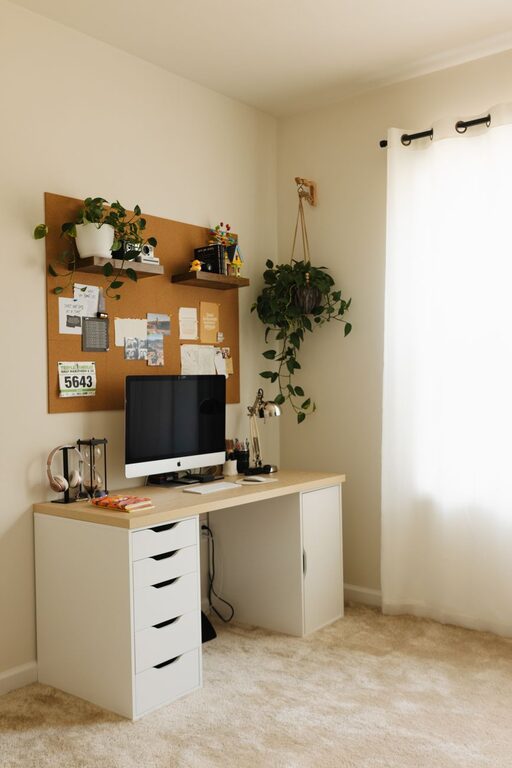
– Plants for a touch of greenery
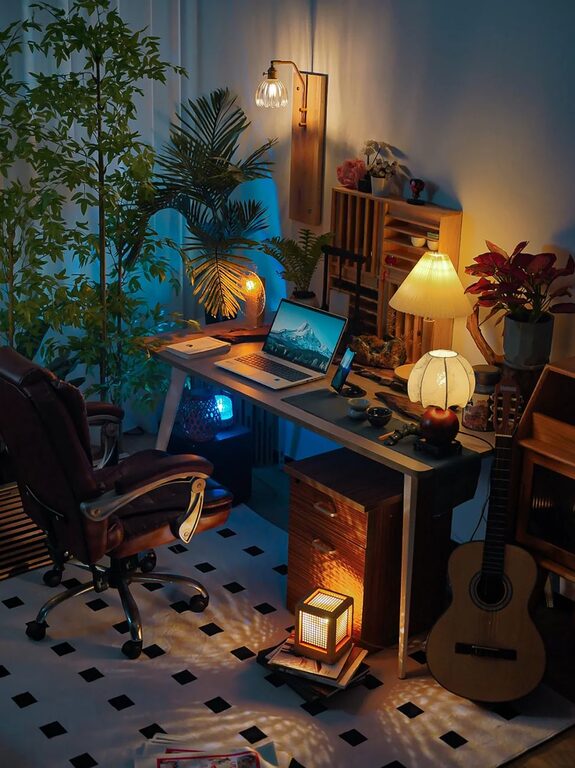
– Decorative lamps or accessories in your favorite colors
Just be careful not to overcrowd your space, as clutter can be distracting.
Organize for Efficiency
An organized workspace contributes significantly to productivity and peace of mind. Here are a few tips to keep your office neat and efficient:
– Use shelves, drawers, or filing cabinets to store documents and supplies.
– Keep only the essentials on your desk to create a clean surface.
– Utilize cable organizers to manage cords and avoid tangles.
– Consider digital tools or apps to reduce paper clutter.
By minimizing mess, you make it easier to focus on your work.
Pay Attention to Lighting
Proper lighting affects both your work quality and your overall comfort. Avoid harsh overhead lights or direct glare on your computer screen. Instead, opt for:
– Soft ambient lighting that fills the room without being overpowering
– Task lighting, like a desk lamp with adjustable brightness and direction
– Natural light whenever possible
Combining these lighting elements creates a balanced environment that supports your eyes and mood.
Incorporate Cozy Elements
Adding cozy details can make your office space feel more welcoming. Consider these ideas:
– A soft rug underfoot to create warmth and texture
– Cushions or a throw blanket on your chair for extra comfort
– Scented candles or essential oil diffusers with calming fragrances like lavender or eucalyptus
– A small speaker for playing gentle background music to improve focus
These small touches help your home office feel less clinical and more like a place where you want to spend time.
Ensure Good Ventilation and Temperature Control
A comfortable room temperature and good air circulation make a big difference, especially during long work sessions. If your space tends to get stuffy, consider adding a small fan or air purifier. Adjust your thermostat or use a portable heater or cooling device to maintain a comfortable temperature year-round.
Create Zones for Different Tasks
If your space allows, try dividing your office into zones based on your activities. For example:
– A main desk area for computer work
– A reading nook with a comfy chair and good lighting
– A supply station with materials and tools
Having designated zones can help you switch between tasks more smoothly and maintain an organized setup.
Keep Technology in Check
Technology is essential in any home office, but it can also cause clutter and distractions. Here’s how to manage it effectively:
– Invest in a reliable internet connection and necessary hardware.
– Use wireless keyboards, mice, and chargers to reduce cables.
– Set up your screen(s) at eye level to avoid neck strain.
– Regularly update your devices and organize your desktop for efficiency.
Keeping your technology streamlined will improve both your comfort and productivity.
Maintain Work-Life Balance
Finally, try to separate your office space from your relaxation areas. Closing the door or putting away work materials at the end of the day can help you mentally switch off. When your workspace feels separate and inviting, it’s easier to maintain a healthy balance between work and personal life.
—
A cozy and inviting home office doesn’t have to be complicated or expensive. With some thoughtful planning and personalized touches, you can create a space that supports your work, reflects your personality, and feels comfortable every day. Start with these tips and adjust based on your needs and preferences to build your ideal home office.